Add a Border to an Image or Photo
Add borders to JPG, PNG, and JPEG images online quickly. Customize border color, size, and style with high-quality results instantly.
Add Border to Image Online Instantly
Add border to image online with our free tool. Apply custom borders to JPG, PNG, and JPEG photos with adjustable thickness and colors.
Quickly add borders to images online. Simple, fast, and accurate tool for stylish results.
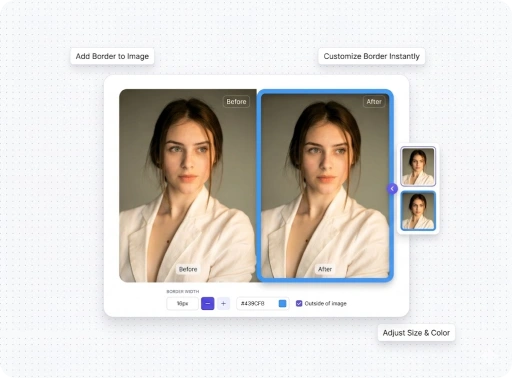
Free Image Border Editor Tool
Use our online image border editor to add borders to photos. Customize colors, thickness, and styles with precise and fast performance. Add and customize image borders with a fast and easy tool. No complexity, just quick results.
Frequently Asked Questions
Everything you need to know about Pagedone Figma Design System.
An add border to image tool is a free image editor that lets you apply borders to JPG, PNG, and JPEG images with customizable styles.
To add a border to a photo online, upload your image, choose border color and thickness, and download the edited image instantly.
Yes, an image border tool allows you to adjust border color, thickness, and style to match your design needs.
No, a good border tool maintains image quality while adding clean and sharp borders.
Yes, this add border to image online free tool is safe and works directly in your browser without installation.