Crop Image Online Free – Fast & Easy Tool
Crop PNG, JPG, and JPEG images online with our fast and easy tool. Trim, resize, and adjust your images instantly with precision.
Click to upload image
Crop Image Online Free & Instantly
Crop PNG, JPG, and JPEG images online with our free tool. Easily trim unwanted areas, adjust dimensions, and get perfectly cropped images in seconds.
Quickly crop images online. Simple, fast, and accurate tool for perfect results every time.
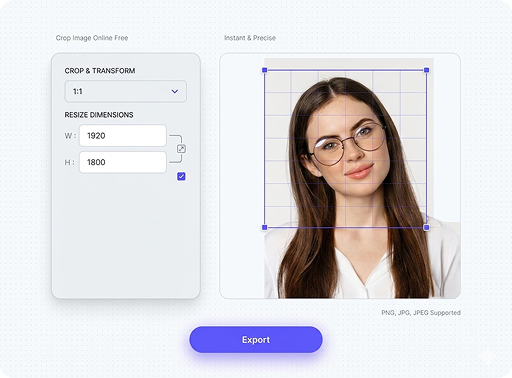
Free Image Crop Tool for JPG & PNG
Use our online image cropper to crop JPG, PNG, and JPEG images. Resize, trim, and customize images easily with precise and fast performance. Crop and resize images online with a fast and easy tool. No complexity, just quick results.
Frequently Asked Questions
Everything you need to know about Pagedone Figma Design System.
A crop image online tool is a free image cropper that lets you crop PNG, JPG, and JPEG images easily. You can trim unwanted areas and resize images instantly.
To crop PNG or crop JPG images online, upload your image, select the crop area, and download the result. This free image crop tool makes the process fast and simple.
Yes, with an online image cropper, you can resize image dimensions and crop images together. It helps adjust image size while removing unwanted parts.
Yes, this crop image online free tool is safe and easy to use. You can crop JPG, PNG, and JPEG images without installing any software.
No, using a crop image tool does not reduce image quality. It simply removes unwanted areas while keeping the remaining image sharp and clear.