Tailwind CSS Blog Sections
Pagedone offers a diverse range of beautifully designed tailwind blog section, enticing your audience to go deeper into your website's content.
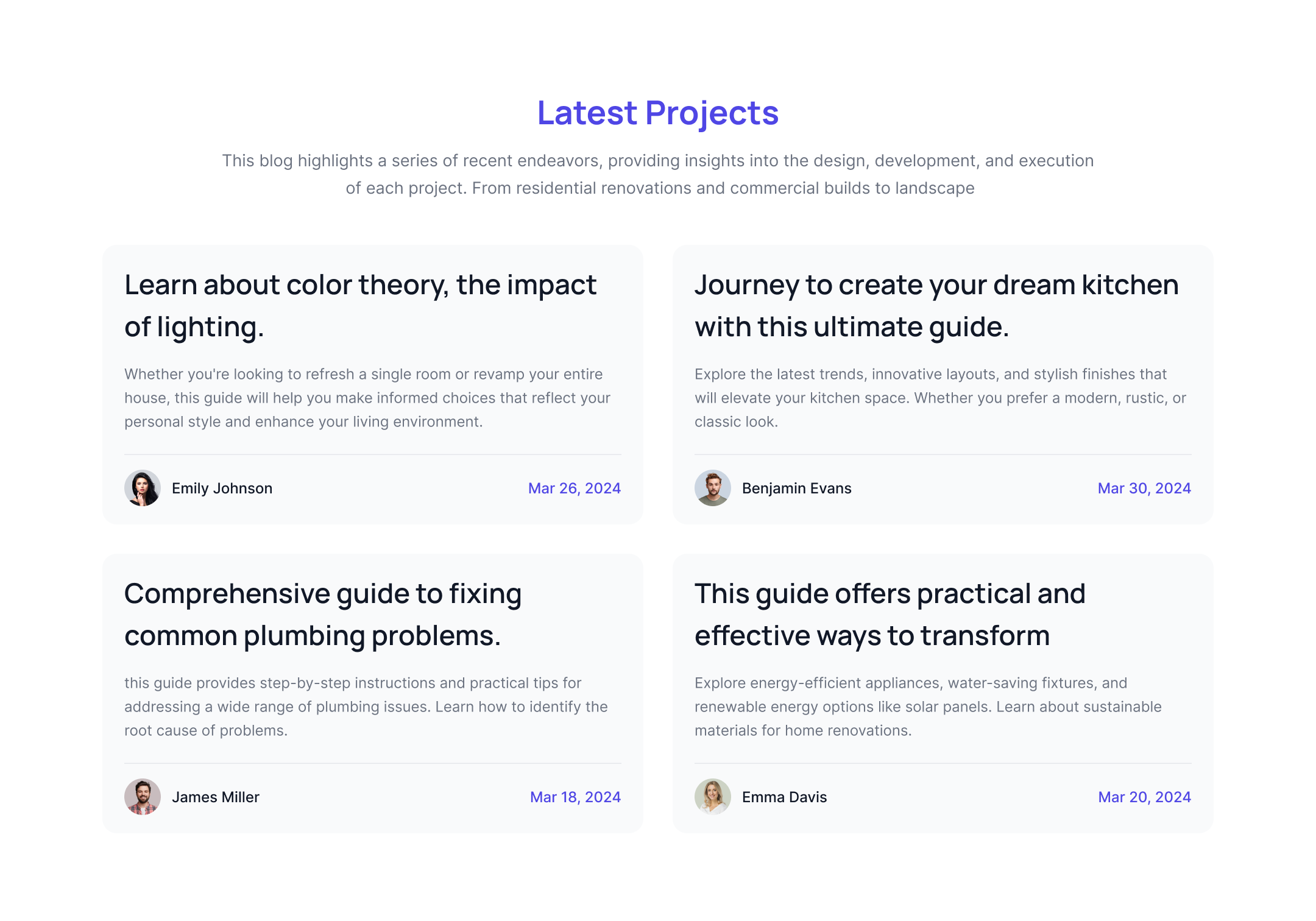
Blog card with footer
This Tailwind UI blog example features a background where the heading and description are displayed at the top, while the author details and publication date are included in the footer of the cards.

Simple three column blog component
This Tailwind blog component displays three cards in a row, with one card featuring a full-height image and an overlay for the description.
.jpg)
Full height blog post
Here is a Tailwind blog example featuring a full-height blog card with a filtered background image and a description overlay.
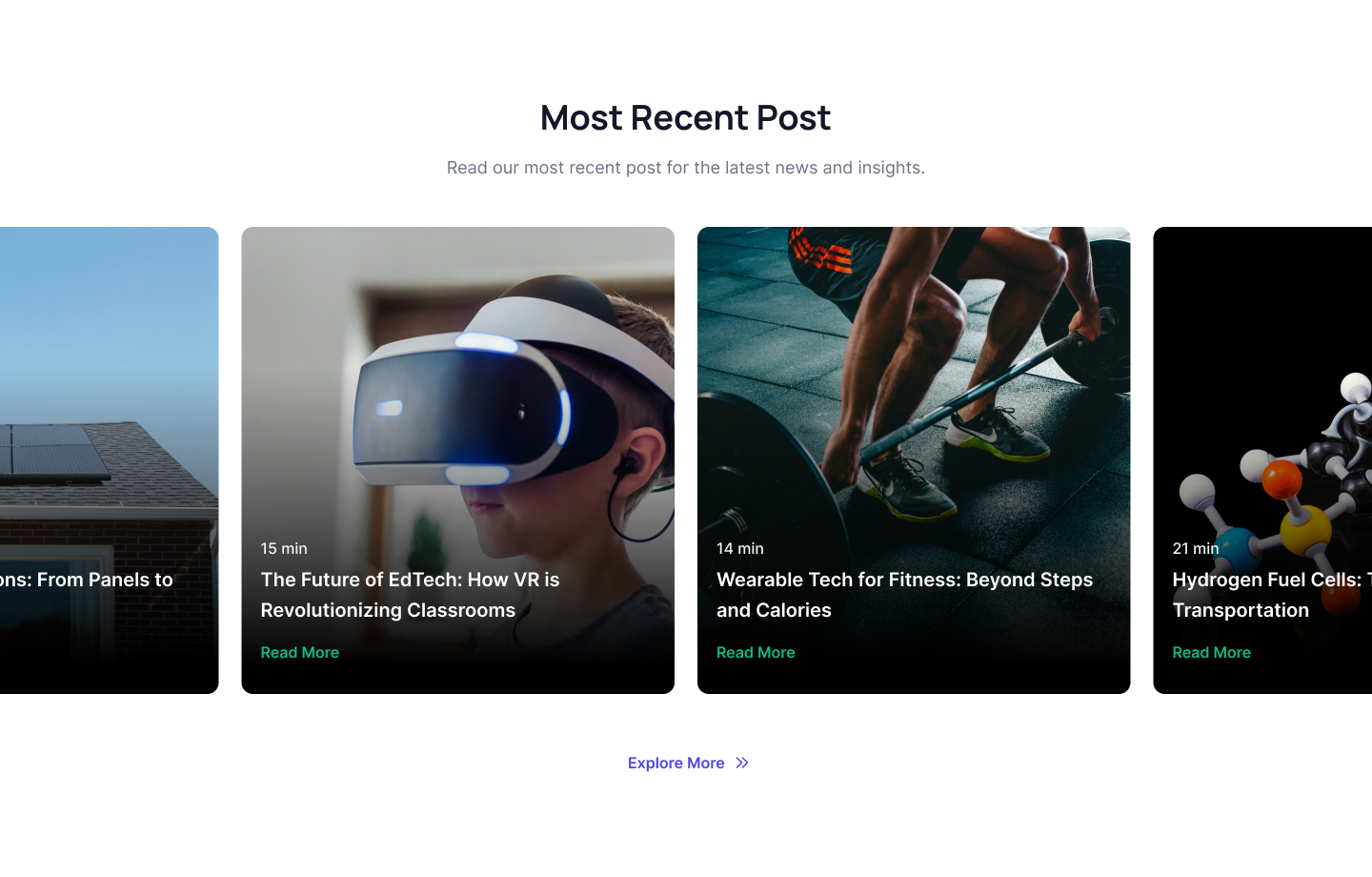
Centered blog card slider
This example of a centered blog card slider features a slider with a centered layout, displaying a list of latest blog cards with overlayed images and description over it.
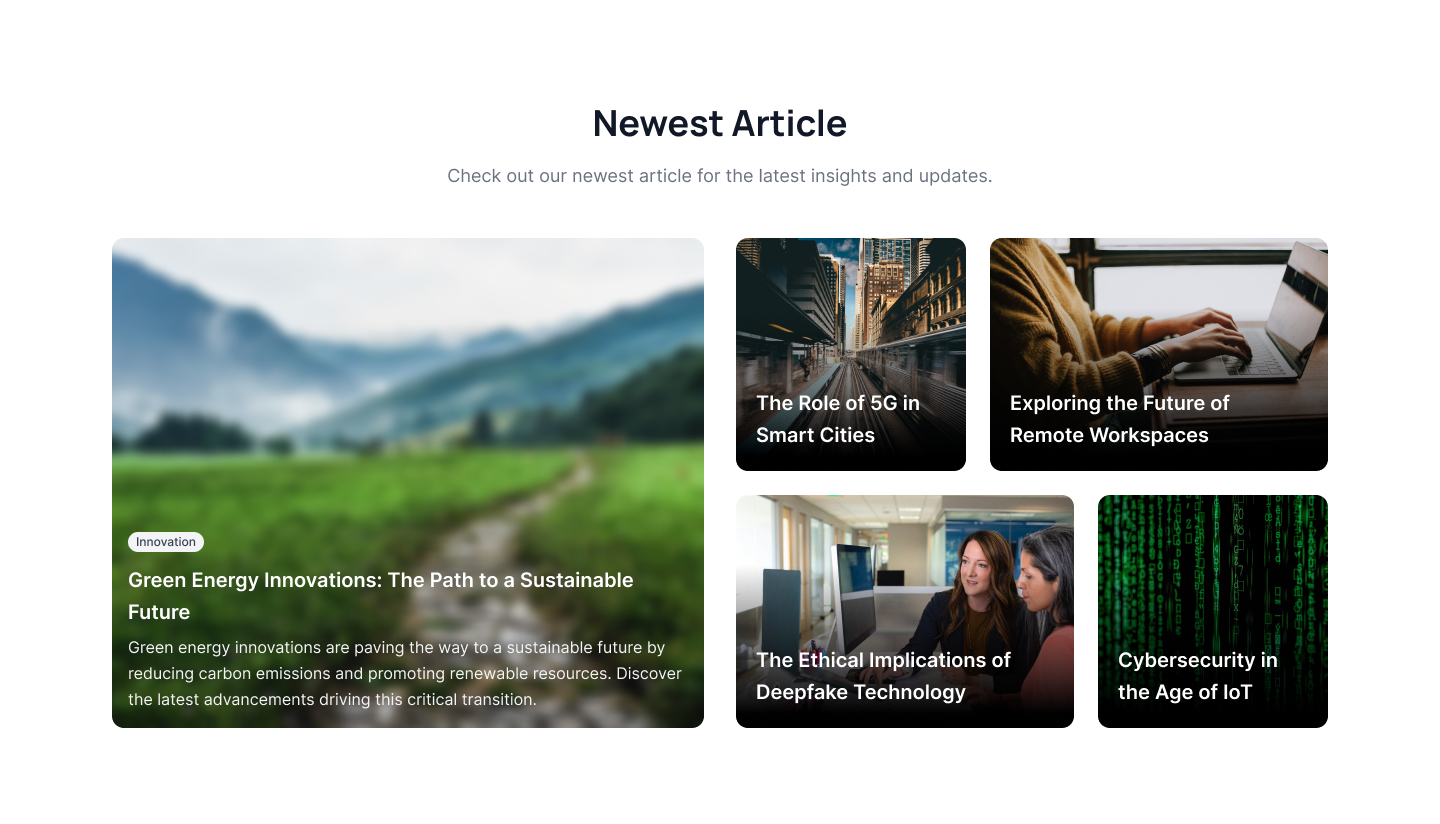
Newest article blog
Use this example to highlight filtered images as backgrounds. You can overlay the category tag, title, and description of a specific blog on top of these images.
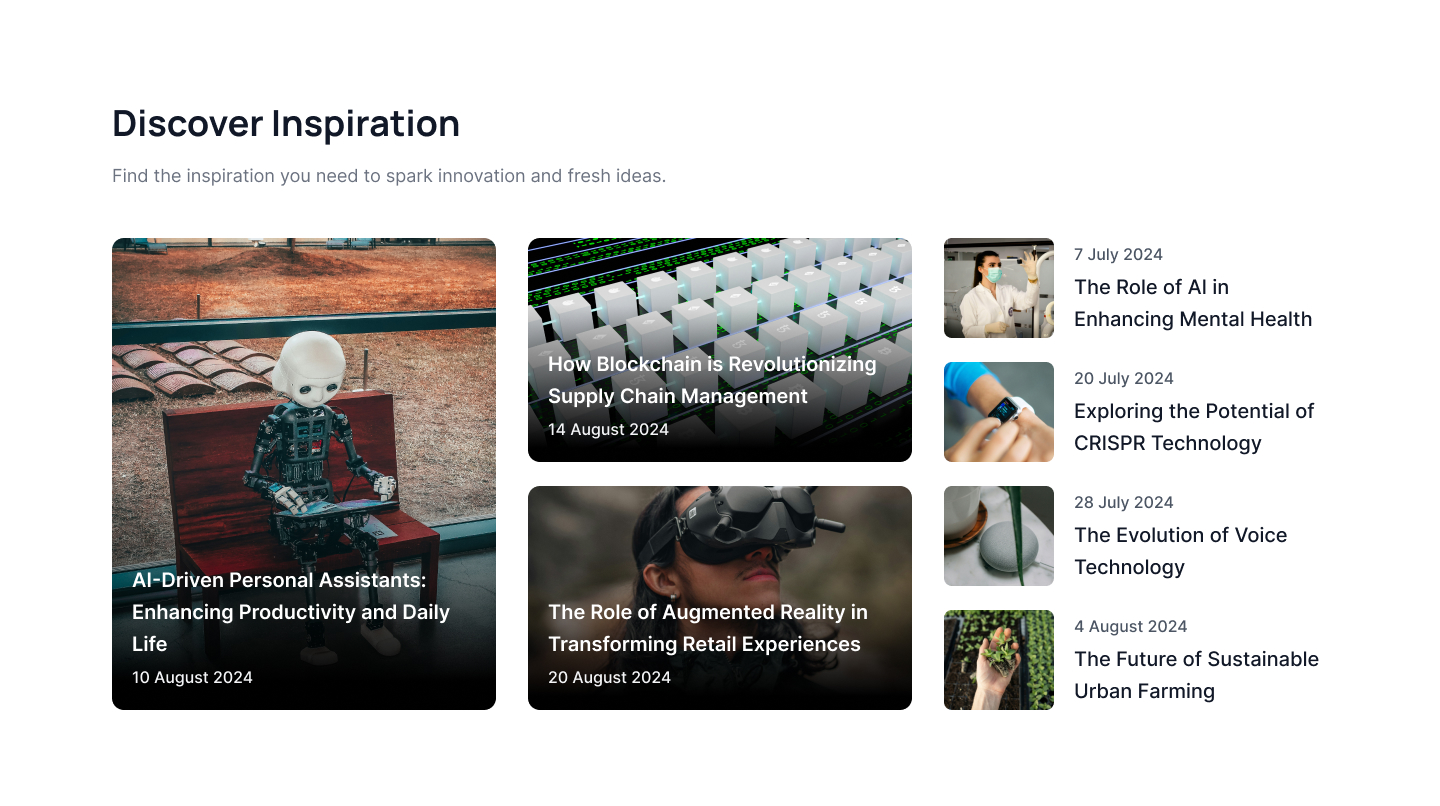
Three column blog list
This three-column blog list example displays blog posts with background images and descriptions, while featuring a list of the latest blogs on the right side.
.jpg)
Tailwind blog component with background images
This example of a Tailwind blog component features a background image with a blog title and description overlayed on images with CTA links.
.jpg)
Trendy latets blog post
This example of a trendy blog post layout features a two column blog with visual images and description, followed by a list og latest blogs.
.jpg)
Detailed Article blog
This blog example features a modern design showcasing a detailed article of the latest blog post, complete with a visual image, blog title, and CTA button. At the bottom, a list of additional blog posts is provided.
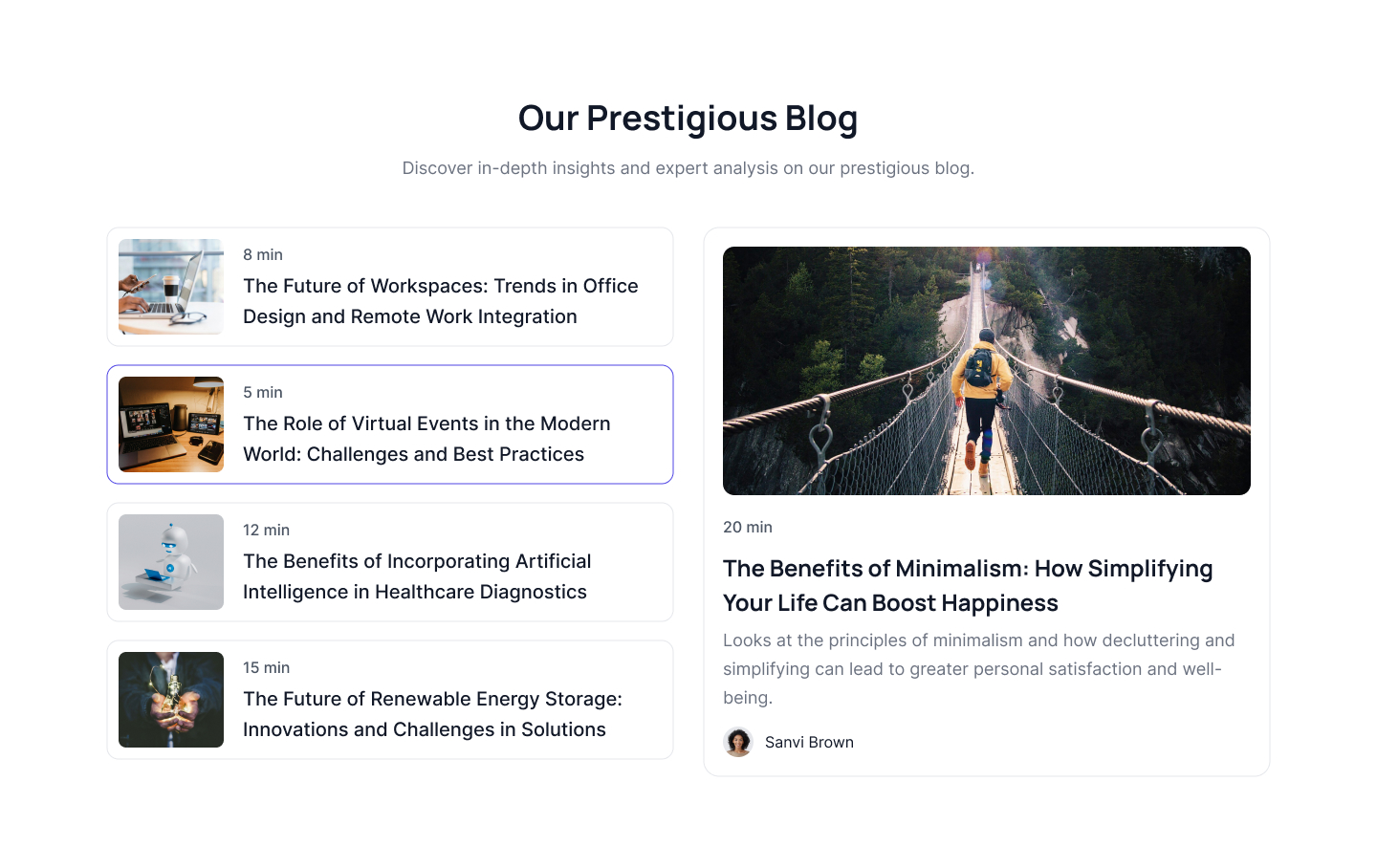
Blog listing with highlighted blog
Use this example to display a blog post listing on the left side with brief summaries, and highlight a single blog post with a detailed description on the right side.
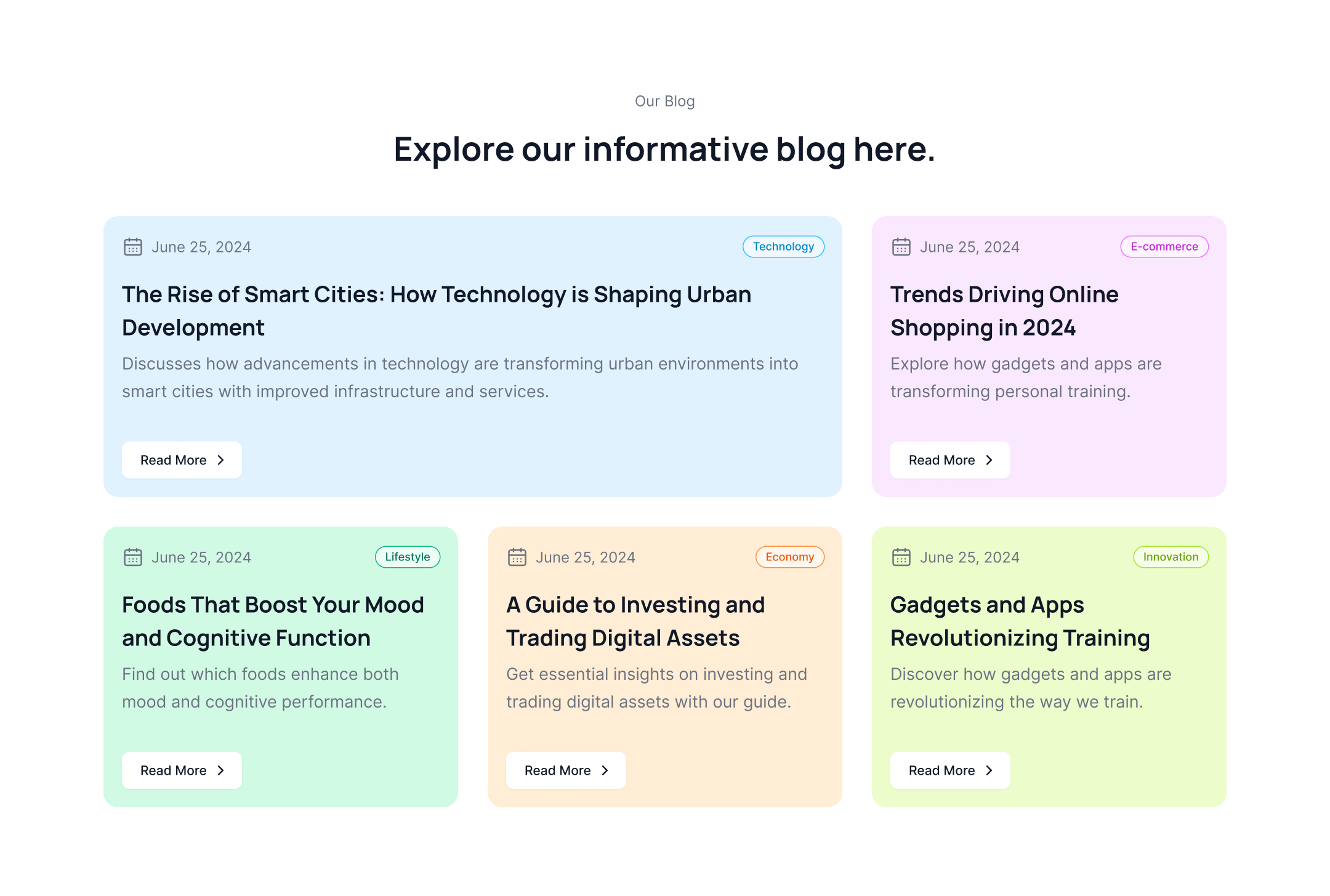
Informative blog with colorful cards
This Tailwind CSS blog features colorful blog cards with a mix of publication date, blog category, blog title, description and CTA button.
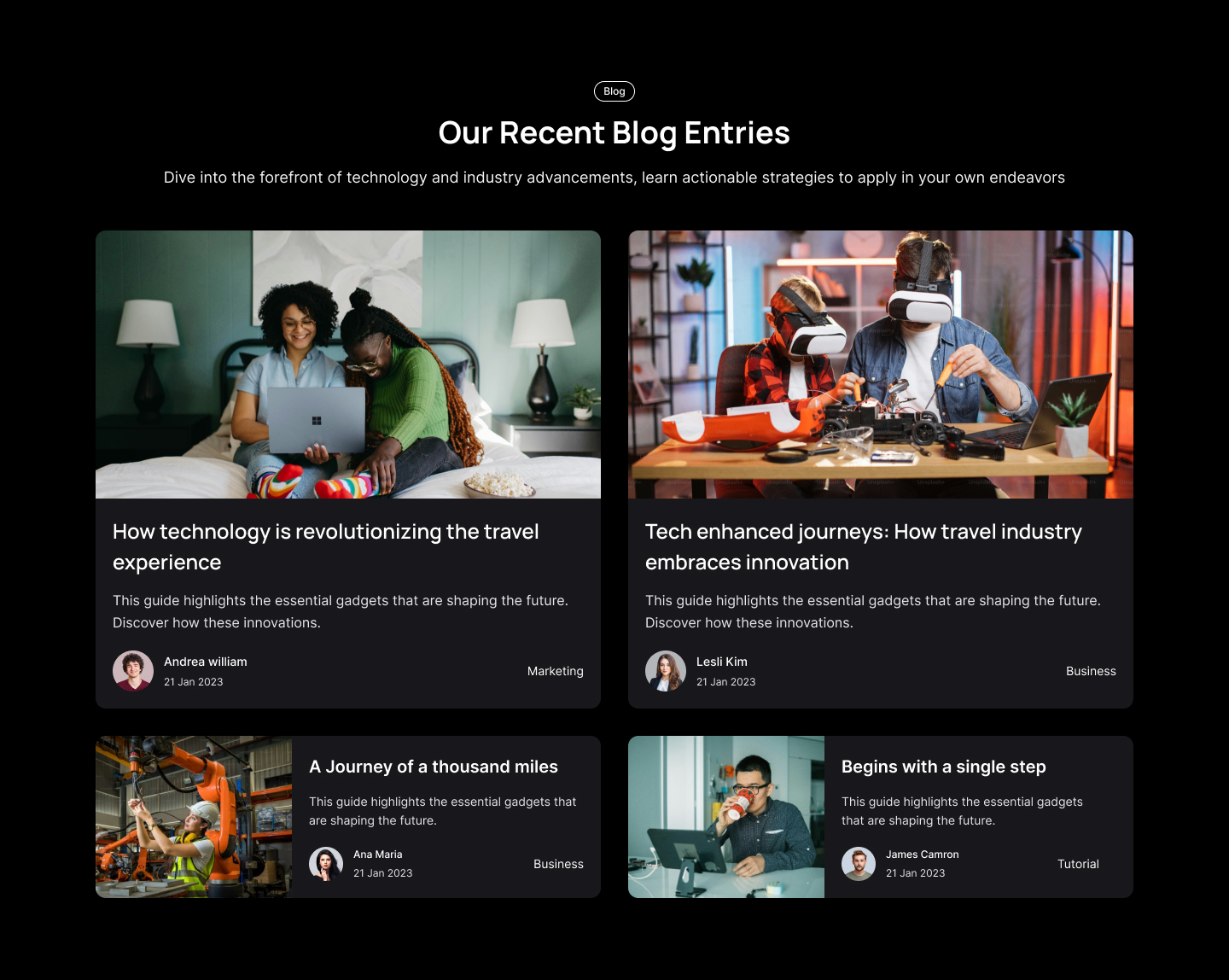
Latest blog with dark version
This Tailwind CSS blog example is tailored for dark-themed websites and features a layout that combines both horizontal and vertical two-column blog formats.

Filter image blog post slider
Utilize this Tailwind UI blog template to present a slider of blog cards featuring overlayed images and descriptions. The slider includes arrows for easy navigation.
.jpg)
One large blog with three smaller blog
The following example displays a large blog post in a horizontal layout at the top of the page, with three smaller cards arranged in a column layout at the bottom.
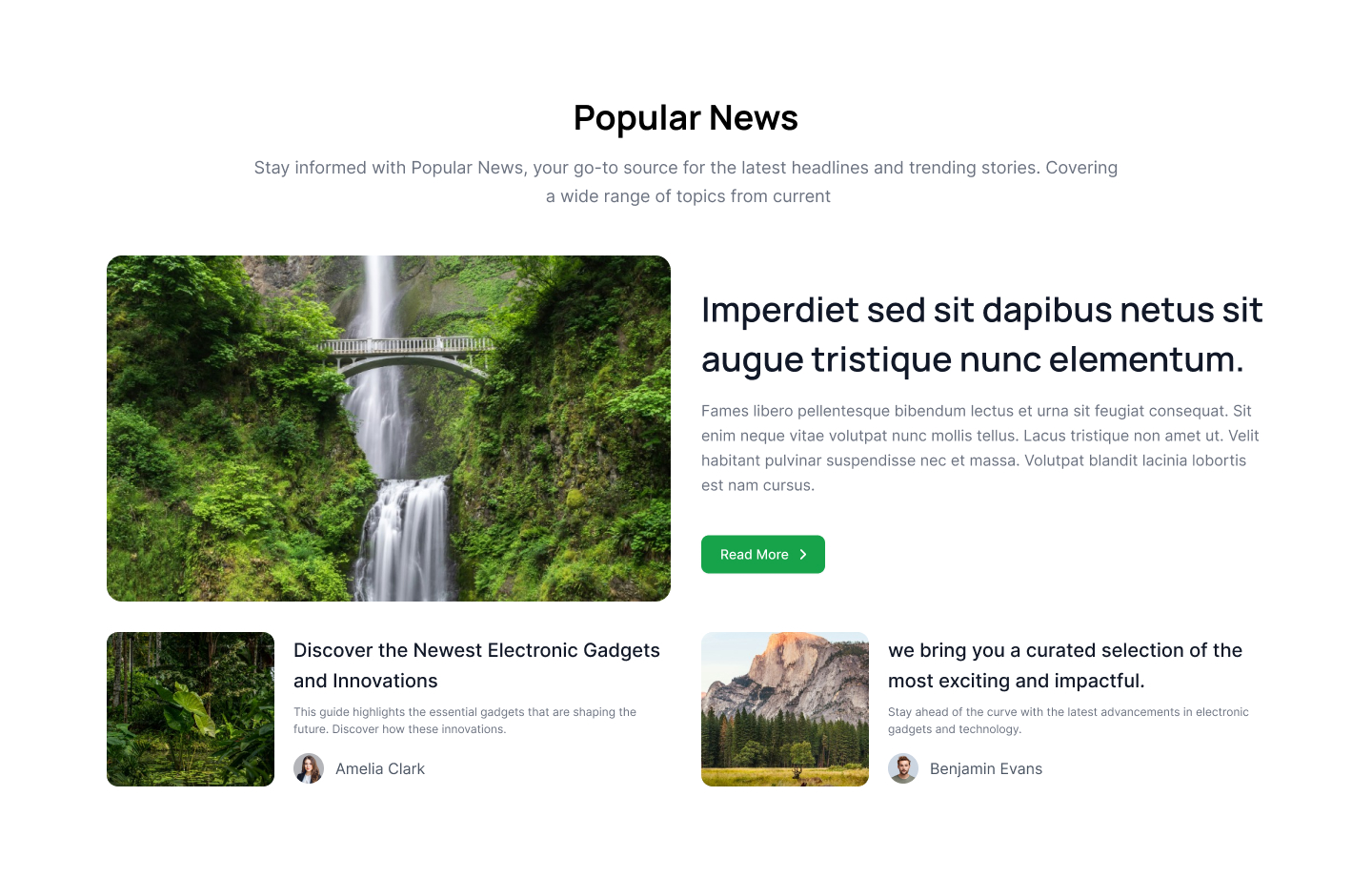
Large horizontal blog post
Showcase a large blog post in a horizontal layout featuring an image, blog title, description, and CTA button at the top, with a smaller blog list displayed at the bottom.
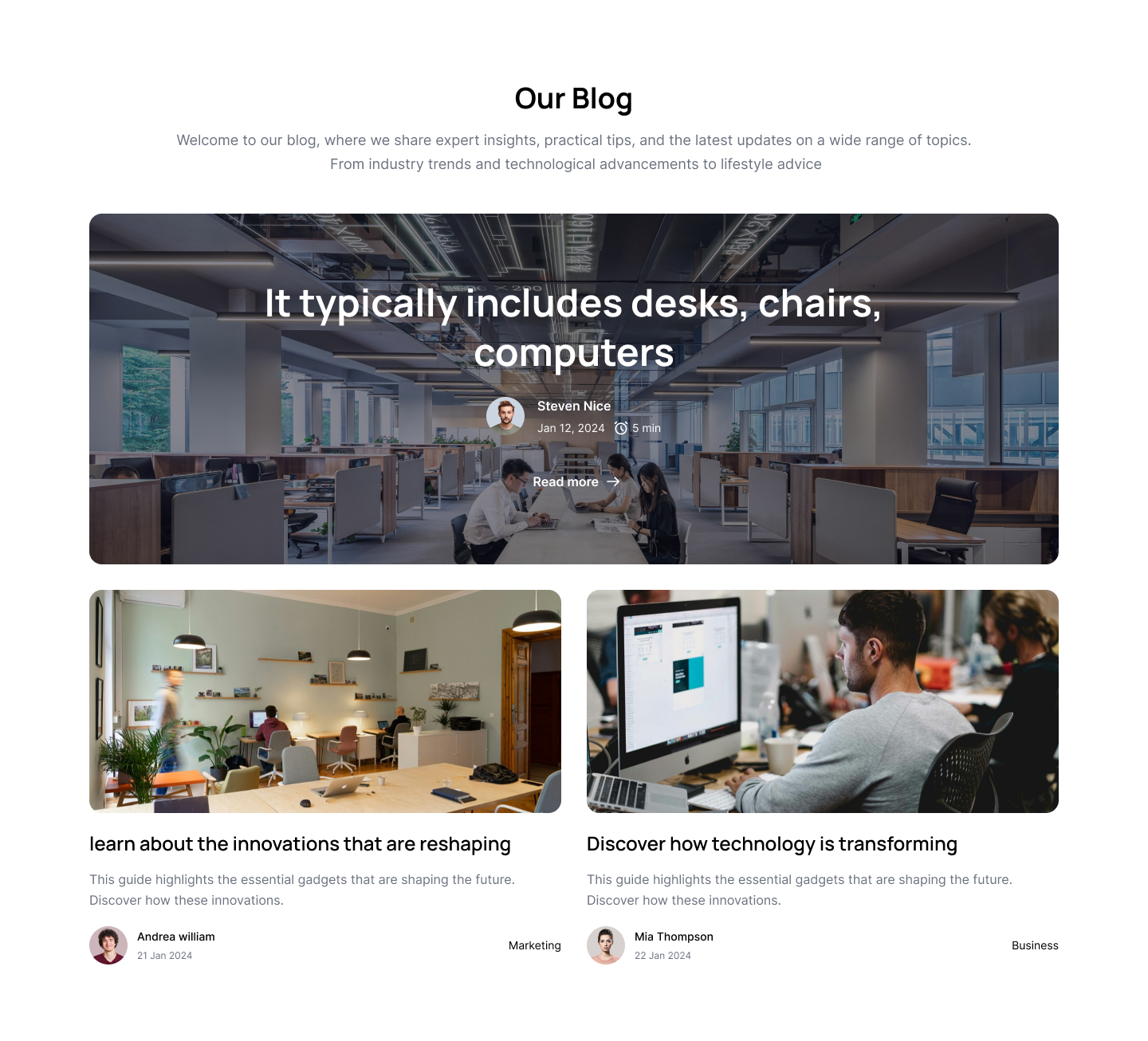
Top large blog post
Use this Tailwind CSS blog template example to display a large blog post with an image background and an overlayed description.

Vertical feature blog list
This Tailwind CSS blog layout example highlights one featured blog on the left side, including author details, blog category, image, and description, while displaying a list of additional blogs on the right side.

Blog card with image as a background
Use this example to display different types of cards: one card features an image as the background with the title and description overlaid on it, while another card has a simpler design with an image at the top and the description on bottom.
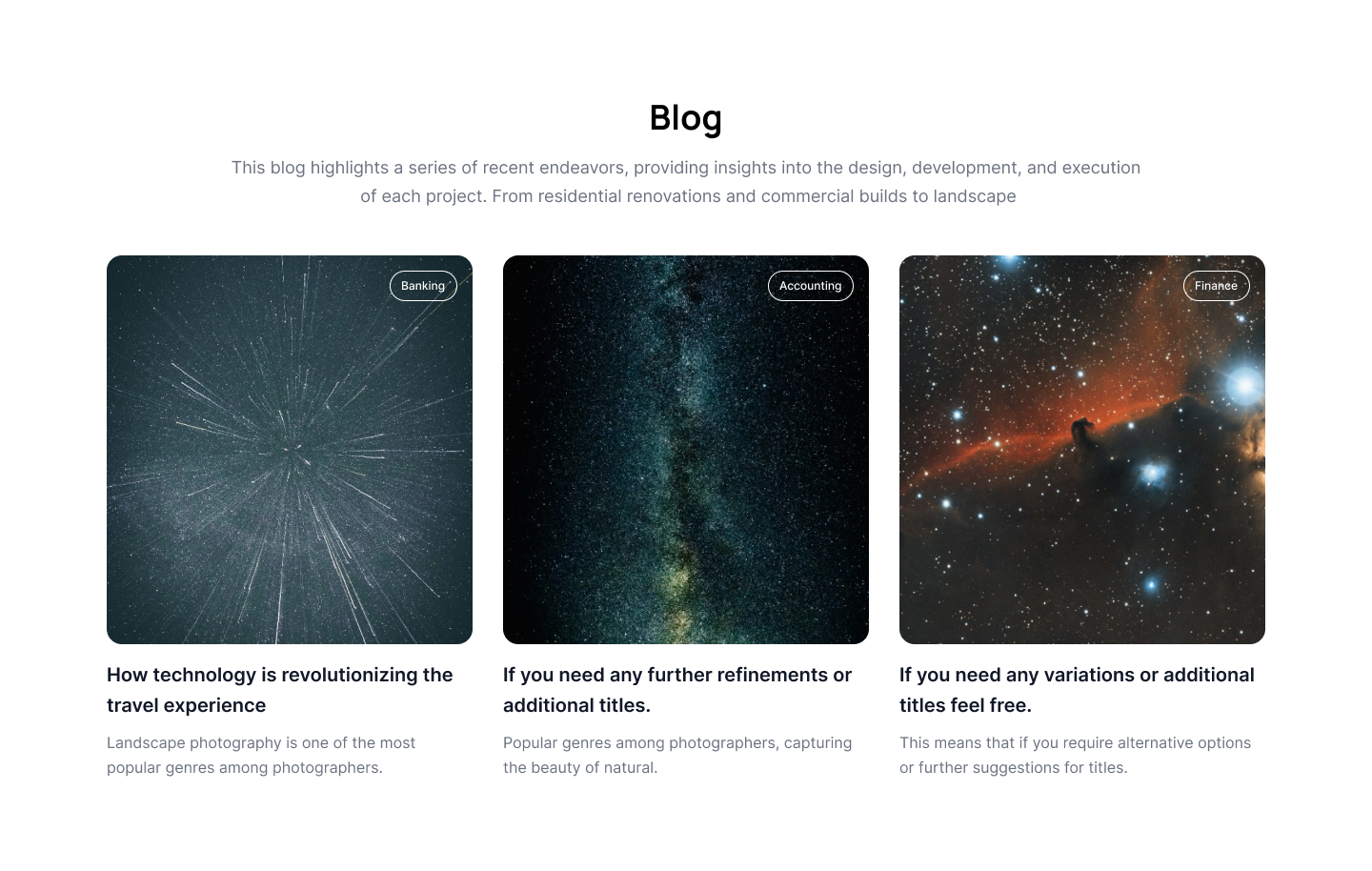
Blog card with category tags
Following Tailwind blog component is a straightforward example featuring a category tag overlaying an image, along with the blog title and description.
Blog list with on large blog
This Tailwind blog template example features a list of blog posts, with a prominent, large blog post displayed on the left side.
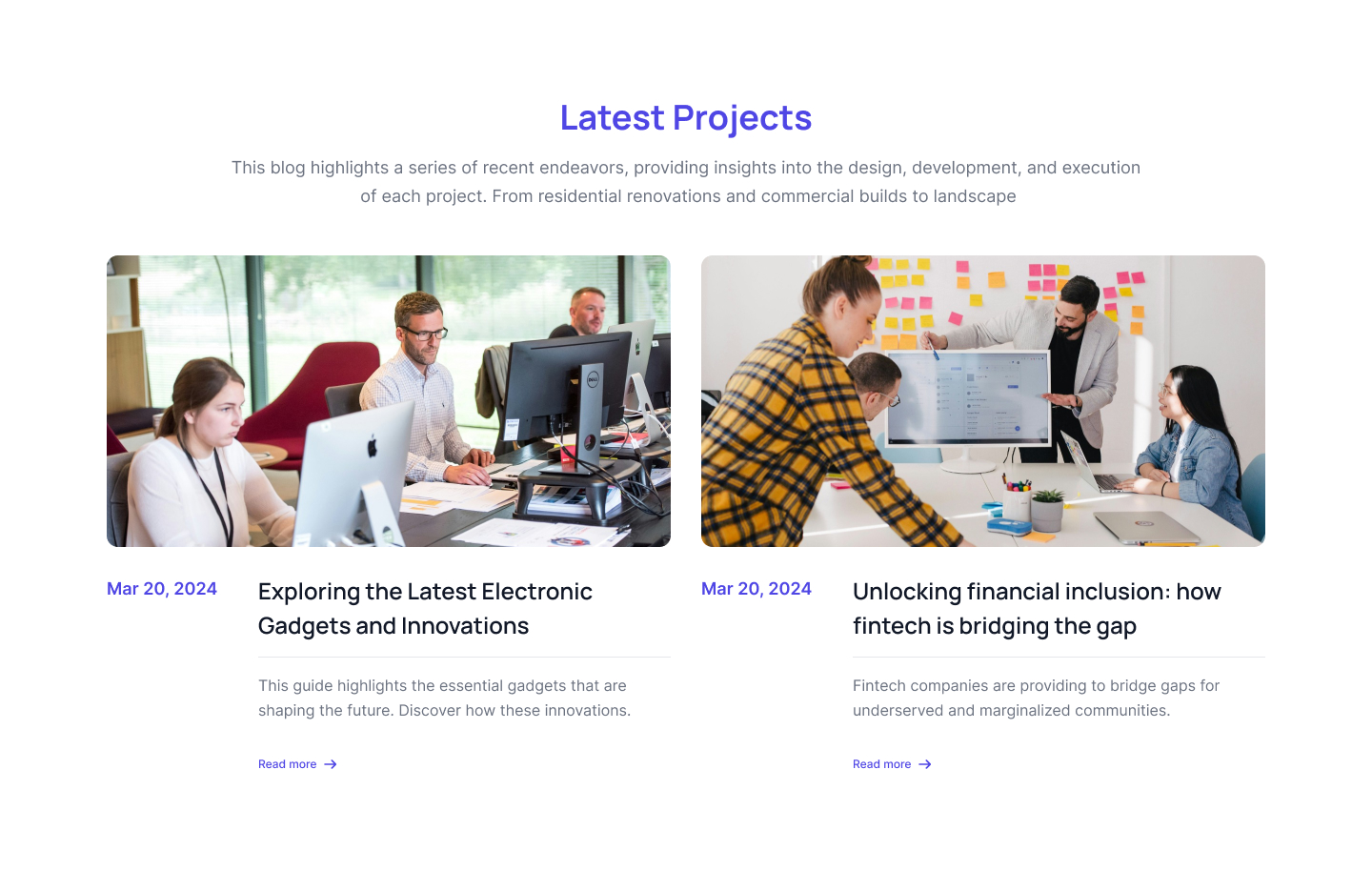
Two column blog with image
This is an example of a straightforward blog layout using a two-column grid. It allows you to display images, descriptions, publication dates, and call-to-action links.

Alternate image horizontal blogs
Use this example to create a blog post layout with a horizontal orientation. Place the image on one side and the description on the other, or switch them as needed.

Blog post cards with bottom image
This example of tailwind blog template shows blog post cards with bottom image where you can show blog post description on top of the card.
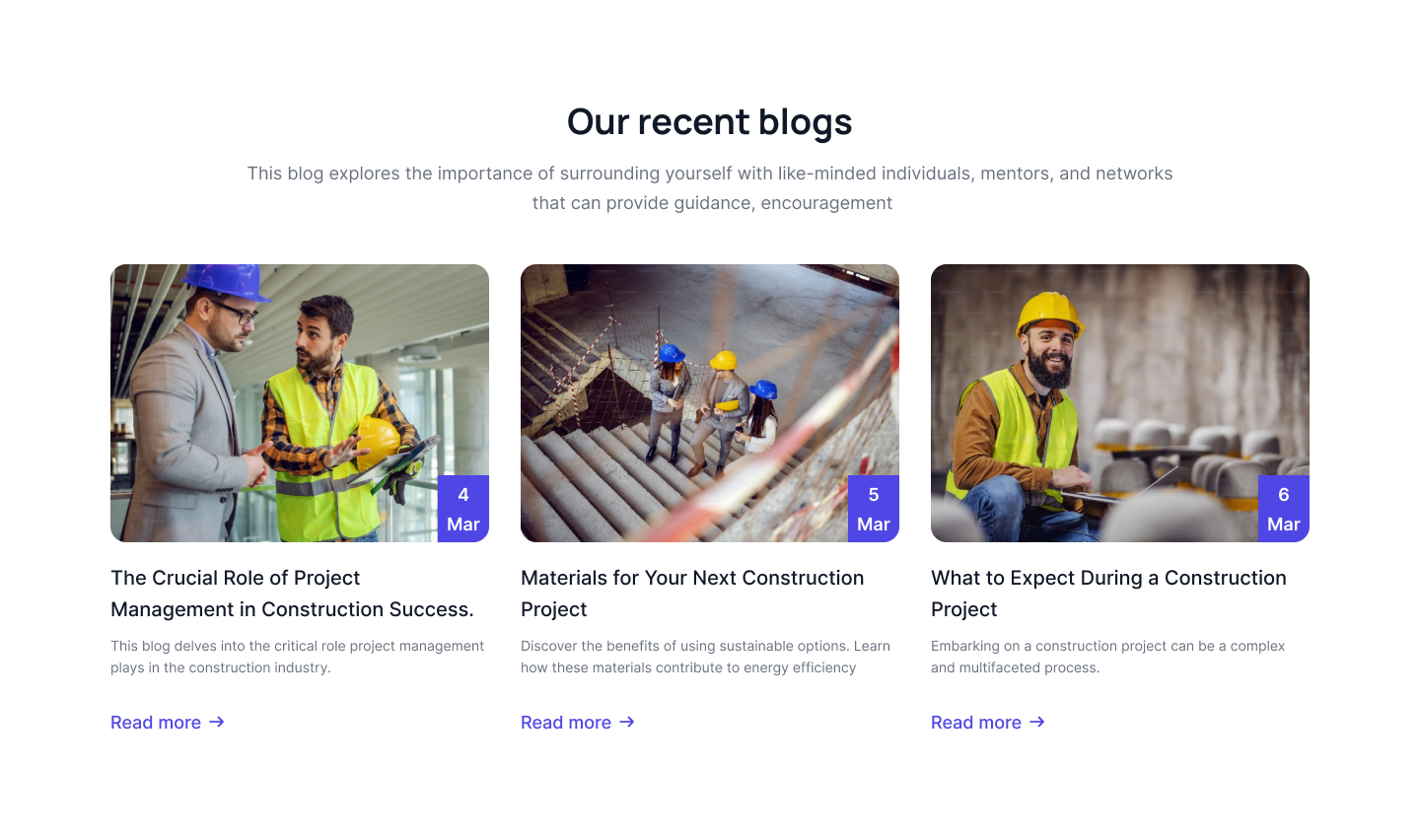
Simple blog card with badge
Following tailwind blog example has simple three column grid layout of blog post where you can show blog images, title, description, CTA link and publication date in a badge format.